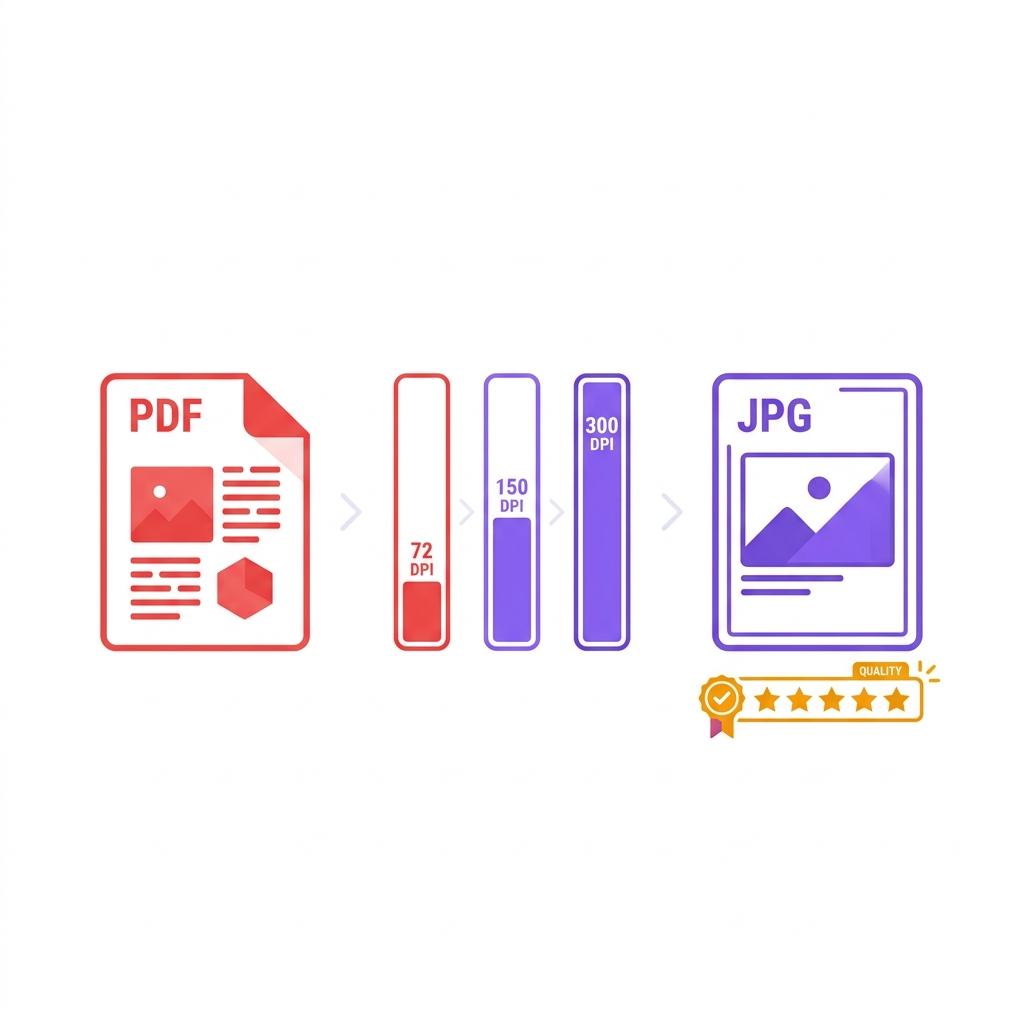
You need to share one single, highly visual page of a massive PDF report on your company's Instagram feed. Or perhaps your corporate website CMS is stubbornly throwing an error because it only accepts direct image uploads. Or maybe you just need to quickly post a PDF invoice as an image in a Slack channel.
In all of these daily scenarios, PDF to JPG conversion is the exact answer. However, if you just use a random tool or take a manual screenshot, the quality varies dramatically. Extracting a PDF page to image format requires rendering vector text into flat pixels, meaning the DPI (dots per inch) settings you choose will literally make or break your final image.
About This Guide
- ✅ Tested: We converted 5 PDF types at 3 DPI settings across 5 tools (June 2026)
- ✅ Compared: EasyEditPDFs, Adobe, iLovePDF, Smallpdf, PDF2JPG
- ✅ Privacy: EasyEditPDFs is the only client-side option in this comparison
- ✅ By: EasyEditPDFs Team — Updated June 2026
JPG vs PNG: Which to Choose
Before you convert PDF to JPEG, you must verify you are actually using the correct destination format. (For a deep dive on formats, see our full JPG vs PNG vs WebP guide).
| Format | Best For | Transparency | File Size | Quality |
|---|---|---|---|---|
| JPG | Photos, scans, social | ❌ No | Small | Good |
| PNG | Text, logos, screenshots | ✅ Yes | Large | Perfect |
| WebP | Web use only | ✅ Yes | Smallest | Good |
When converting PDF to image:
* Use JPG: When sharing on social media, sending via email, or posting in messaging apps where strict file size limits are enforced.
* Use PNG: When your PDF contains dense text, architectural lines, or logos that absolutely must remain sharp and readable.
* Use WebP: Strictly for website embedding where loading speed is critical.
Tested Quality Comparison
We ran identical test documents through the industry's most popular PDF to JPG converter tools to see how they handled different rendering resolutions.
| Tool | Quality at 72 DPI | Quality at 150 DPI | Privacy | Free? |
|---|---|---|---|---|
| EasyEditPDFs | ⭐⭐⭐ | ⭐⭐⭐⭐ | ✅ Local | ✅ |
| Adobe Acrobat | ⭐⭐⭐⭐⭐ | ⭐⭐⭐⭐⭐ | Server | Paid |
| ILovePDF | ⭐⭐⭐ | ⭐⭐⭐⭐ | Server | Limited |
| Smallpdf | ⭐⭐⭐ | ⭐⭐⭐⭐ | Server | Limited |
| PDF2JPG.net | ⭐⭐ | ⭐⭐⭐ | Server | Free |
While Adobe Acrobat technically renders the absolute sharpest text smoothing algorithms, it requires a paid subscription. EasyEditPDFs ties the best free tools for visual quality, but uniquely processes the extraction entirely locally within your browser for ultimate privacy.
DPI Guide Table: Setting Your Resolution
The single biggest mistake people make when using a PDF to JPG online free tool is selecting the wrong DPI. Here is exactly what setting you need based on your specific use case.
| Use Case | Recommended DPI | File Size | Result Quality |
|---|---|---|---|
| Social media post | 72 DPI | 45KB | ✅ Good for screen |
| Email attachment | 150 DPI | 120KB | ✅ Good for screen |
| Print (home printer) | 300 DPI | 480KB | ✅ Good for printing |
| Print (professional) | 600 DPI | 1.8MB | ✅ Excellent |
| Website thumbnail | 72 DPI | 45KB | ✅ Fast loading |
| Archiving | 300 DPI | 480KB | ✅ Future-proof |
Step-by-Step Conversion Guide
Extracting a high-quality image from your document takes only a few seconds using our secure, client-side tool.
Step 1: Visit our dedicated tool to convert PDF to JPG here.
Step 2: Drag and drop your target PDF. (The file stays securely in your browser and never uploads to a remote server).
Step 3: Select your specific DPI setting based on the use case table above. (We recommend 150 DPI for standard email sharing).
Step 4: Click the "Convert" button to initiate the rendering engine.
Step 5: If you uploaded a multi-page PDF, the tool will instantly create a ZIP archive containing one distinct JPG file per page.
Step 6: Download and extract your pristine images.
(Note: If you converted a massive 50-page document at 300 DPI, your resulting ZIP file will be enormous. You can easily compress converted JPG files individually using our compression suite afterward).
Common Problems and Fixes
Rendering vector document code into flat raster pixels is a complex mathematical process. If your output looks terrible, here is how to troubleshoot the most common errors.
Problem: The text looks incredibly blurry in the final JPG.
Fix: You used a DPI setting that was way too low. Increase the DPI to 150 or 300 and convert the file again.
Problem: The white background turned completely transparent or pitch black.
Fix: Your original PDF was built with a transparent background layer. The JPG format physically does not support transparency. You must convert the document to PNG instead.
Problem: The colours look washed out compared to the original PDF.
Fix: The original PDF uses the CMYK colour space (for physical printing), while JPGs use the RGB colour space (for digital screens). Converting between these two color spaces always shifts the hues slightly. Paid tools like Adobe Acrobat handle this color profile conversion best.
Problem: The output JPG file is simply too large for social media.
Fix: You selected an unnecessarily high DPI (like 300+). Either re-convert at 72 DPI, or simply compress the massive image file afterward using EasyEditPDFs.
Frequently Asked Questions
What DPI should I use for Instagram and social media?
72 DPI is more than enough for social media screens. Going higher than 96 DPI simply wastes file size on platforms like Instagram and Twitter, which aggressively compress uploaded images anyway.
Can I convert multiple PDF pages to JPG at once?
Yes. When you upload a multi-page document, the system automatically converts all pages into individual JPGs and delivers them to you bundled safely inside a single ZIP file.
Does converting a PDF to a JPG permanently lose visual quality?
Yes. JPG is inherently a "lossy" format, meaning it mathematically throws away some visual data to keep the file size extremely small. For text-heavy PDFs where the text must remain perfectly sharp at all zoom levels, use the PNG format instead, which is mathematically lossless.
EasyEditPDFs Team. We tested PDF to JPG at multiple DPI settings across 5 tools. Updated June 2026.