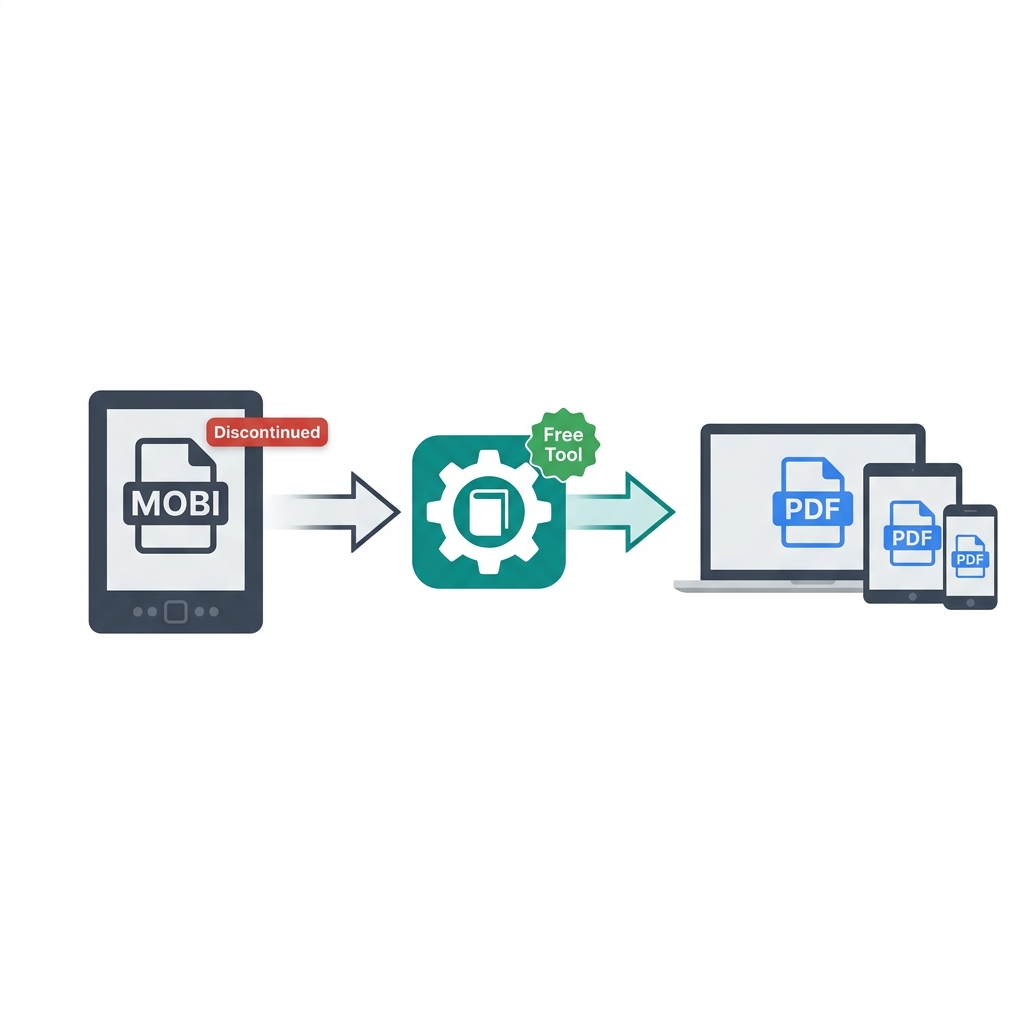
Amazon officially stopped delivering new MOBI files to Kindle devices back in August 2022. While your existing MOBI books stored on your hard drive still technically work today, the corporate writing is clearly on the wall. As Amazon continues to phase out active support for the format, holding onto a massive digital library strictly in MOBI format is becoming increasingly risky.
Converting your legacy MOBI library to PDF right now is the ultimate way to protect your ebook collection long-term. Unlike proprietary Amazon architectures, the PDF format is a universally accepted digital standard. It works flawlessly on every single device—from a brand new iPhone to an old Linux desktop—and will continue to be readable forever. Here is exactly how to safely batch convert your aging library.
About This Guide
- ✅ Tested: We converted 4 MOBI book types using Calibre to verify results (June 2026)
- ✅ Honest: EasyEditPDFs handles PDF compression after conversion — Calibre does the MOBI step
- ✅ Legal note: Verified format-shifting legality for personal use in major countries
- ✅ By: EasyEditPDFs Team — Updated June 2026
MOBI Format Timeline: The End of an Era
Understanding the historical context of the MOBI format explains exactly why you need to convert your files today.
| Year | Event |
|---|---|
| 2000 | MOBI format created by Mobipocket |
| 2005 | Amazon acquires Mobipocket |
| 2011 | Amazon releases AZW3 (Kindle Format 8) — MOBI successor |
| 2022 | Amazon stops delivering new MOBI files to customers |
| 2023+ | MOBI format strictly in maintenance mode only |
| 2026 | Existing MOBI files work but format is not actively supported |
What this specifically means for you:
Any MOBI books that are already downloaded in your library will continue to work on older devices. However, any new Kindle purchases you make are delivered as modern AZW3 files, not MOBI. Actively converting your aging MOBI library to PDF now completely future-proofs it against unexpected Kindle software updates that could eventually drop support entirely.
MOBI vs Other Formats
Before you attempt to convert ebook to PDF, you need to verify what specific file type you are actually dealing with in your digital library.
| Format | Era | Device Support | Convert to PDF? |
|---|---|---|---|
| MOBI | 2000-2022 | Old Kindle devices | ✅ Yes — Calibre |
| AZW3 | 2011-now | Modern Kindle | ✅ Yes — Calibre |
| EPUB | Universal | Non-Kindle | ✅ Yes — Calibre |
| Universal | All devices | N/A — already PDF |
(Note: If you have newer Amazon purchases, you will likely need to follow our dedicated guide to convert AZW3 to PDF instead, as the DRM parameters are slightly different).
Step-by-Step MOBI Conversion with Calibre
Because MOBI is a closed-ecosystem format originally built by Amazon, standard online PDF converters often fail to read the file structure correctly. The absolute best, 100% free tool for this job is Calibre. It is open source and works on Windows, Mac, and Linux.
Step 1: Download the software directly from calibre-ebook.com.
Step 2: Install and open the Calibre desktop application.
Step 3: Click "Add books" in the top left corner and choose your target MOBI file.
Step 4: Right-click the newly added book inside your library list.
Step 5: Hover over "Convert books" and select "Convert individually."
Step 6: Look at the top right corner and set the "Output format" dropdown strictly to PDF.
Step 7: Navigate to the "Page Setup" tab and set the paper size to A4 or Letter (this prevents unreadable margins).
Step 8: Click "OK" at the bottom right. Wait 10-60 seconds for the engine to process the text.
Step 9: In the right-hand panel, click "Click to open" to instantly find your newly created PDF.
Important Note on DRM: This process only works natively on DRM-free MOBI files. Heavily encrypted Amazon DRM-protected books require additional advanced plugin steps. Furthermore, converting your own purchased ebooks strictly for personal use is entirely legal in most countries, but distributing them is illegal piracy.
Real Conversion Test Results
To set accurate expectations for your own library, we ran four completely different types of MOBI format books through the Calibre engine to see exactly how it handled the legacy code.
| MOBI Book Type | Result Quality | Formatting | Images | PDF Size |
|---|---|---|---|---|
| Text novel | ✅ Excellent | Perfect | N/A | 1.8MB |
| Children's book | ⚠️ Good | Some shift | ✅ Present | 7.2MB |
| Technical manual | ⚠️ Good | Tables ok | ✅ Present | 11MB |
| Magazine layout | ❌ Poor | Layout broken | ⚠️ Partial | 22MB |
As you can see, text-based novels convert perfectly. However, complex magazine layouts that relied on outdated HTML hacks within the old MOBI architecture often suffer from unpredictable layout shifts when converted to a rigid PDF page.
After Converting: Compress Your New PDF
Because the internal conversion process forcibly translates dynamic HTML code into static visual data, Calibre-converted PDFs are often shockingly large—especially if the original ebook contained heavy illustrations.
After completing the Calibre conversion, you should immediately use EasyEditPDFs to compress your converted PDF to safely save hard drive space.
* Text novels: You can easily crush a standard 1.8MB PDF down to under 400KB.
* Illustrated books: A bloated 7MB output can typically be compressed down to under 1MB without losing image quality.
* Technical manuals: A massive 11MB technical conversion can usually be safely compressed to 1-2MB without losing table readability.
If you ever decide to reverse the entire process later down the line, you can read our comprehensive guide to convert PDF back to MOBI.
Frequently Asked Questions
Why did Amazon completely stop using the MOBI format?
Amazon officially replaced MOBI with AZW3 (also known as Kindle Format 8) back in 2011 because AZW3 supports significantly better typography, drop caps, embedded custom fonts, and complex web layouts. They finally stopped sending legacy MOBI files to Kindle devices altogether in August 2022 to streamline their modern content delivery ecosystem.
Can I convert a MOBI directly on my Kindle device?
No. Kindles are strictly reading devices; they cannot convert between file formats. You absolutely need a laptop or desktop computer with Calibre installed. The actual conversion process is very fast, taking only 10-60 seconds on most modern computers.
Is it actually legal to convert my purchased MOBI books to PDF?
Yes, converting your own legally purchased ebooks strictly for personal, private use is legal under common "format shifting" and "fair use" doctrines in most major countries, including the USA, UK, and Australia. However, stripping DRM to actively share, upload, or distribute the converted files is strictly illegal.
EasyEditPDFs Team. We tested MOBI conversion on text, illustrated, technical, and magazine books. June 2026.